How to Find a Web Designer Near Me in 2027: 10 Things to Check Before Hiring
Updated: September 2026
INTRODUCTION
To find the right web designer near me in 2027, don’t start with location — start with proof. The best web designer for your business is the one who can show live, fast, mobile-first websites that actually convert visitors into leads, understands SEO from the ground up, and gives you full ownership of your site. Proximity matters far less than portfolio, process, and performance.
What Does a Web Designer Near Me Actually Do?
When people search for a web designer near me or website designer near me, they usually picture someone who “makes the site look good.” In practice, a strong designer does far more:
- UX/UI design: Structuring pages so visitors act, not just admire.
- Responsive design: Flawless layout on phones, tablets, and desktops.
- WordPress builds: Flexible sites you can actually manage.
- Landing pages: Conversion-focused pages for ads and campaigns.
- SEO-friendly design: Clean structure search engines and AI can read.
The counter-intuitive truth: design isn’t decoration — it’s how a visitor decides whether to trust you in the first three seconds.
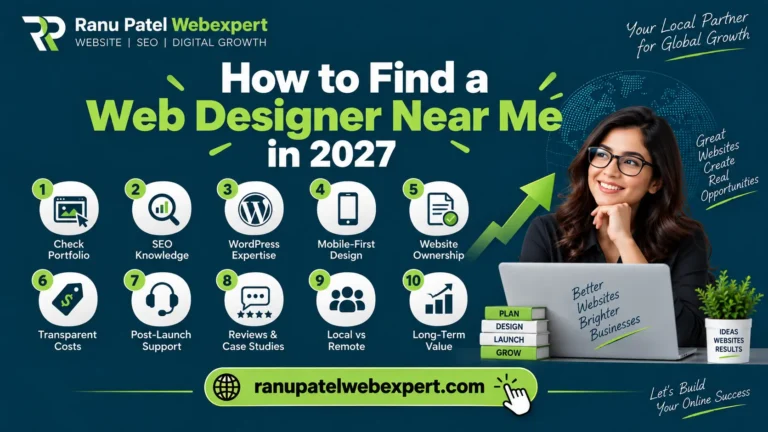
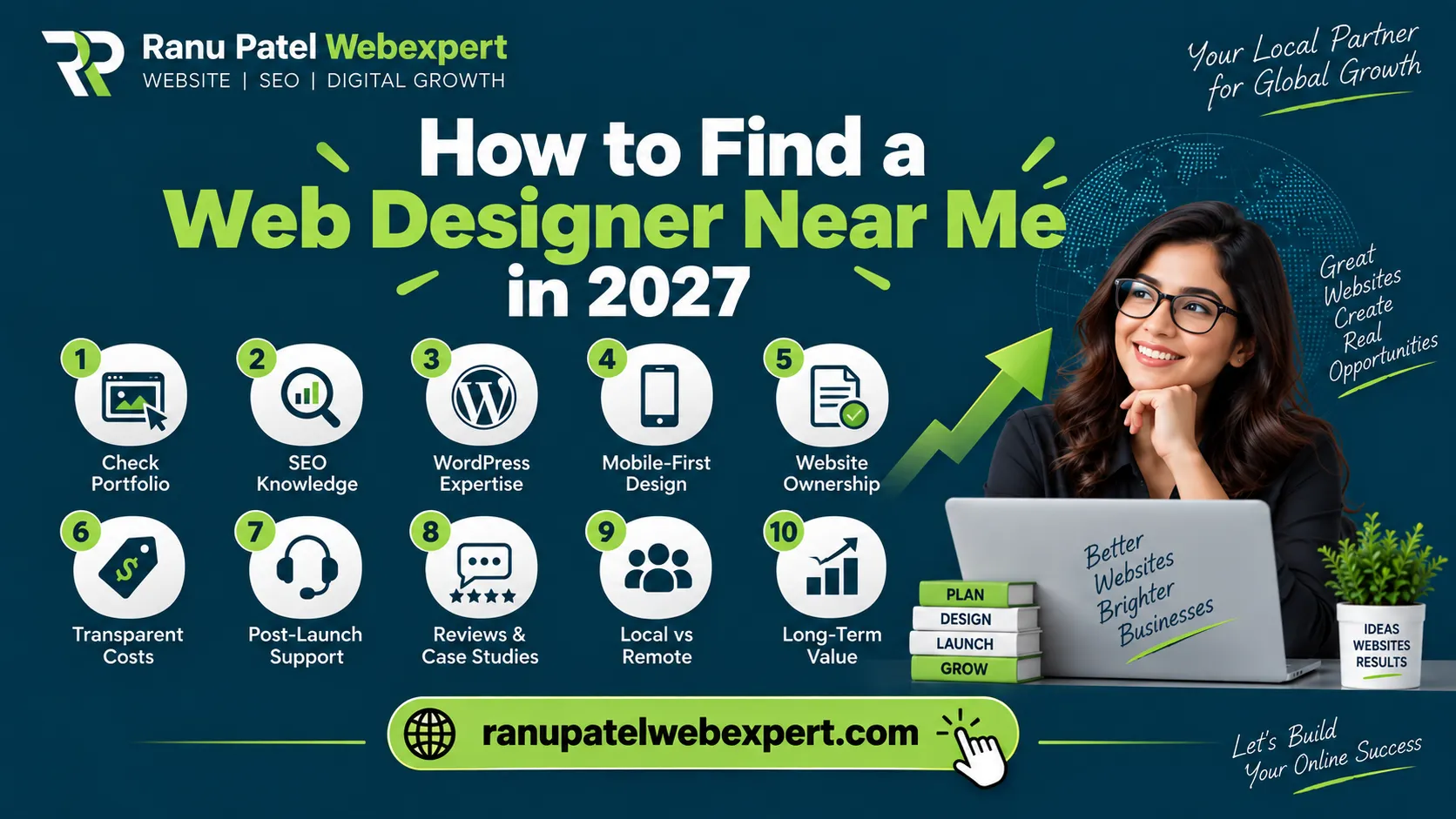
10 Things to Check Before Hiring
1. Check Their Portfolio (Not Just Their Homepage)
Any professional web designer can make one pretty screenshot. What matters is a body of live, working websites.
- Live URLs you can actually visit — not just mockups
- Mobile design that holds up when you shrink the screen
- Experience in your industry or a similar one
- Clear conversion paths (calls-to-action, forms, phone links)
- Originality — not the same template recycled ten times
2. Make Sure They Understand SEO
This is where most designers quietly fail. A site can look stunning and still be invisible on Google and in AI search results. A designer who understands SEO handles technical structure, heading hierarchy (H1–H3), schema markup, internal linking, and Core Web Vitals.
In practice, what we often see is a redesign that tanks a business’s rankings because the old SEO structure was thrown away. A good designer protects your existing traffic — they don’t gamble with it.
3. Check Whether They Build WordPress Websites
If flexibility and long-term ownership matter to you, hiring a WordPress developer near me is often the smartest move. WordPress powers a huge share of the web for a reason — you’re not locked into one company’s proprietary builder. A capable WordPress designer should build sites that are easy to update, plugin-light, secure, and fast — not bloated with fifty plugins you’ll never use.
4. Check Mobile Performance First
The majority of your visitors are on phones. Responsive web design isn’t a bonus feature in 2027 — it’s the baseline. The mistake most teams make at this stage: they approve the desktop design and never seriously test mobile. Always open a candidate’s past work on your own phone before hiring.
5. Ask About Website Ownership (This Traps People)
Before you pay anyone, confirm in writing that you fully own:
- Your domain name & hosting account
- Your WordPress admin access
- Plugin and theme licenses
- Regular backups of your site
If a designer holds your domain or admin hostage, you don’t own your website — you’re renting it.
6. Compare Web Design Costs Honestly
There is no single, universal web design cost. Website design pricing in the USA swings widely based on scope, and any quote given without understanding your project is a guess.
| Project Type | Typical U.S. Range* | Best For |
|---|---|---|
| Template / small business site | $500 – $3,000 | Startups, simple brochure sites |
| Custom WordPress site | $3,000 – $10,000 | Growing businesses that need SEO |
| Ecommerce / advanced site | $8,000 – $25,000+ | Online stores, complex features |
| Ongoing care / maintenance | $50 – $500 / mo | Updates, security, support |
*Illustrative ranges, not fixed quotes. A quick rule of thumb: if a price seems too cheap, you’re usually the product — you’ll pay later in rework, lock-in, or lost traffic.
7. Ask What Happens After Launch
A website is not a one-time purchase — it’s a living asset. Ask directly about website maintenance, website support, and website management before you sign. Clarify who handles security updates, backups, content edits, and emergency downtime support.
8. Check Reviews and Real Case Studies
Don’t just count stars. Anyone can collect five-star reviews from friends. Look for genuine project evidence: before-and-after traffic/lead metrics, named client lists, detailed case studies, and consistent Google reviews.
9. Local Web Designer vs. Remote Web Designer: Which Should You Pick?
Here’s the myth worth debunking: searching web designer near me does not mean you need someone within driving distance. “Near me” is how people search — it isn’t always what they need.
| Factor | Local Web Designer | Remote Web Designer |
|---|---|---|
| In-person meetings | Easy | Video calls only |
| Talent pool | Limited to your area | Access to the best, nationwide |
| Pricing | Often higher (local rates) | More competitive options |
| Local market knowledge | Strong | Varies |
| Best when | You value face-to-face | You value skill + results |
When local wins: You run a local business and genuinely value in-person collaboration. When remote wins: You care most about proven skill, SEO ability, and results — which is most businesses.
10. Questions to Ask Before Hiring a Web Designer
Use this quick script to separate professionals from amateurs:
- 1
Can I see 3–5 live websites you’ve built? - 2
How do you make sites SEO-friendly and fast? - 3
Will I fully own my domain, hosting, and admin? - 4
What’s included after launch — and what costs extra? - 5
How do you protect my rankings during a redesign? - 6
What’s the realistic timeline and total cost?
Web Designer vs. Web Developer: Which One Do You Need?
People searching for a web developer near me and a website designer near me often want different things. Here’s the simple mental model:
| Role | Focus | You Need Them When |
|---|---|---|
| Web Designer | Visuals, UX, layout | You want a great-looking, easy-to-use site |
| Web Developer | Functionality, code, integrations | You need custom features or complex logic |
| Designer + Developer | Complete website project | You want design + function done right |
For most small and mid-sized businesses, the best hire is someone who does both well — a designer-developer who understands aesthetics, code, and SEO together.
Looking for a Web Designer in the USA? Start Here.
If you’re searching for a web designer near me anywhere in the USA and want someone who checks every box above — SEO-first design, WordPress expertise, mobile performance, and full ownership — ranupatelwebexpert.com is one of the best places to start.
Ranu Patel Web Expert builds fast, conversion-focused, SEO-friendly WordPress websites for businesses across the United States — combining the eye of a professional web designer with the technical depth of a WordPress developer. You get a site that looks great, ranks well, and — most importantly — you fully own.
Bottom Line: Choose Skill Over Proximity
The best web designer near me isn’t defined by a pin on a map — it’s defined by proof, process, and performance. Vet the portfolio, demand SEO competence, confirm ownership, and your website will become your hardest-working salesperson instead of an expensive brochure.